5 Test Management Tools for Enterprise Software Projects in 2026
Testing used to happen just before release. Now it sits at the center of delivery planning, risk management, and user experience.
When dozens of services and teams are involved, testing without structure turns into chaos. Test management tools fix this.
They give you one place to design, organize, run, and analyze tests. They also connect QA with requirements, automation, CI/CD pipelines, and defect tracking.
This guide covers the best tools for 2026 and shows you how to pick the right one for your enterprise project.
Top 5 Test Management Tools for 2026
- BrowserStack Test Management
- TestRail
- QMetry Test Management
- Testomat.io
- Zephyr for Jira
| Tool | Deployment | Automation | Jira Sync | AI | Best For |
| BrowserStack | Cloud | Strong | Yes | Strong | Teams needing real device coverage |
| TestRail | Cloud / On-prem | Moderate | Yes | Basic | Regulated, documentation-heavy teams |
| QMetry | Cloud / On-prem | Very Strong | Yes | Good | Automation-heavy large enterprises |
| Testomat.io | Cloud | Very Strong | Good | Strong | CI/CD-driven DevOps environments |
| Zephyr | Cloud / Data Center | Moderate | Native | Basic | Jira-centric organizations |
Also Read: Complete List of Software Testing Tools 2026
Why You Need a Test Management Tool
Enterprise software testing is rarely small. It involves many departments, teams, hundreds or thousands of test cases, and multiple test cycles.
If each team uses its own sheets and ad-hoc tools, you lose track of basic questions:
⦁ What exactly has been tested for this release?
⦁ Which requirements have no test coverage yet?
⦁ Who ran which tests, and in which environment?
⦁ What is blocking the release from going live?
A test management tool answers these questions. It gives your QA lead a live picture of the testing effort instead of scattered spreadsheets.
Everyone sees the same dashboards, traces tests back to requirements, and reviews evidence when something goes wrong.
For regulated industries, this matters even more.
Auditors want proof that every requirement was tested, failures were recorded, and the process is repeatable. A good tool provides this history without manual assembly.
How to Choose the Right Tool: A 6-Phase Framework
Feature comparisons alone don't work. Tools that look great in demos often fail in real projects. Use this framework instead.
Phase 1: Understand Where You Are and Where You're Going
Before looking at any tool, get clear on your current state and future direction.
Questions about your current landscape:
⦁ How many test cases do you manage today?
⦁ What percentage is manual vs automated?
⦁ How many testers do you have, and where are they located?
⦁ What types of testing do you practice?
⦁ What's your current testing infrastructure?
Questions about your future:
⦁ What's your target manual/automation ratio?
⦁ How does your organization approach DevOps and continuous delivery?
⦁ What's your team growth trajectory?
⦁ Are there regulatory or compliance requirements shaping your choices?
⦁ What's the strategic importance of QA in your organization?
Answering these prevents you from solving yesterday's problems or overengineering for unlikely scenarios.
Phase 2: Define and Prioritize Your Requirements
Create a clear list of what you need. Split it into three parts:
Must-Have Capabilities:
⦁ Core test case management
⦁ Specific integrations you can't work without
⦁ Regulatory and compliance requirements
⦁ Scalability thresholds
⦁ User experience requirements
Strategic Capabilities:
⦁ AI capabilities that address your actual pain points
⦁ Analytics that provide insights you can't access today
⦁ Collaboration features that improve team effectiveness
⦁ Automation support that advances your continuous delivery goals
Nice-to-Have Features:
Features that add value but aren't essential. If two tools have everything above, these can break the tie.
Phase 3: Map Your Integration Landscape
Enterprise environments have accumulated tools over years. Integrations often become bottlenecks. Create a clear map:
⦁ Which Jira instances do you run?
⦁ What CI/CD platforms do you use?
⦁ Which test automation frameworks?
⦁ Which other QA tools?
⦁ What communication tools?
⦁ Any proprietary systems that need custom integration?
Phase 4: Evaluate Team Dynamics and Adoption Readiness
Tools succeed based on adoption, not features. Understanding your team's composition and change readiness is just as important as evaluating technical capabilities.
Some organizations embrace new tools enthusiastically.
Others view them with suspicion. Be honest about where yours falls.
A lightweight, intuitive tool often succeeds in a change-averse organization where a powerful but complex platform would fail.
And a tool that's too simple can frustrate technically sophisticated teams that feel constrained.
Phase 5: Run a Real Pilot Program
Vendor presentations don't reveal how tools work in your specific context. Run a pilot to find out.
How to design your pilot:
⦁ Select a real project (not your simplest or most complex)
⦁ Form an evaluation team with a mix of roles
⦁ Define clear evaluation criteria in advance
⦁ Set a fixed pilot duration
⦁ Use realistic data volumes
⦁ Involve vendors (they often provide implementation support during pilots)
What to evaluate:
⦁ Initial setup effort and complexity
⦁ Does the UI feel responsive and intuitive?
⦁ Do critical integrations work as expected?
⦁ Performance under your data volumes
⦁ Do collaboration features improve team interaction?
⦁ Can you get the insights you need?
⦁ When you need vendor help, how good is it?
⦁ Would testers choose to use this tool?
Phase 6: Calculate Total Cost of Ownership
Software licensing is just one part of what tools actually cost. Look at the full picture to avoid budget surprises.
Direct Costs:
⦁ Software licensing
⦁ Maintenance and support contracts
⦁ SaaS subscription costs over your planning period
Implementation Costs:
⦁ Vendor professional services for setup and integration
⦁ Internal staff time for configuration
⦁ Data migration from existing systems
⦁ Custom integration development if APIs don't cover your needs
⦁ Infrastructure costs for on-premise deployments
Ongoing Costs:
⦁ Training and onboarding for new team members
⦁ Maintenance and monitoring
⦁ Vendor support contracts
⦁ Custom development needs
⦁ Infrastructure upgrades or expansion
Productivity Impact:
⦁ Initial learning curve and reduced productivity during adoption
⦁ Ongoing efficiency gains
⦁ Quality improvements
⦁ Faster release cycles and time-to-market benefits
Work with finance to build a realistic TCO model. Some tools look cheap per user until you factor in implementation and productivity disruption. Others look expensive until you model efficiency gains.
How We Selected These Tools
Not every tool works for enterprise projects. Here's what we looked for:
- Fit for Enterprise Environments: A tool might work perfectly in a demo with five users. But enterprises have thousands of people online at once. The first filter: can this tool handle real enterprise scale without collapsing?
- Compatibility with Existing Systems: Most enterprises use Jira or Azure DevOps with CI/CD pipelines. A tool that forces teams to rewire everything is a burden. We favored platforms that fit naturally into environments already in motion.
- Core Test Management Strength: Test management is about structure, accuracy, and control. Tools that can't organize large test libraries, manage versions properly, plan execution cycles, or give trustworthy reports didn't make the cut. Flashy dashboards mean nothing if the basics are weak.
- Automation Readiness and Practical AI: Manual testing takes too much time. Tools that treat automation as separate are already behind. We preferred platforms that connect smoothly to pipelines and help manage large regression packs. For AI, we looked for practical use: suggesting high-risk areas, helping prioritize runs, assisting with test creation. Not gimmicks.
- Usability and Collaboration: Enterprise testers include domain experts, manual testers, performance engineers, automation architects, and sometimes business users doing UAT. If a tool needs a training course before anyone can run a test, adoption dies before it starts
Tool Details
Based on the criteria outlined earlier, the following test management tools stand out for 2026 for enterprise-grade software. Each has its distinctive features, strengths, and trade-offs. Let’s unravel the top tools:
1. BrowserStack Test Management
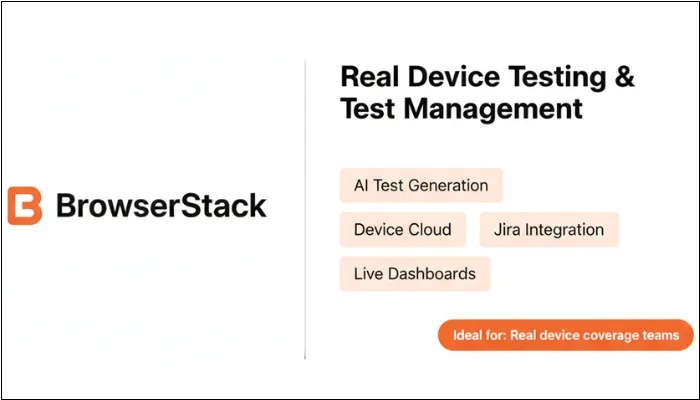
BrowserStack Test Management is part of the BrowserStack ecosystem, which many QA teams already rely on for browser and real-device testing.
The tool is designed to be a central place where teams can design test cases, organize them into suites or runs, execute them on real browsers and devices, and monitor results in one view.
If you’re already working with BrowserStack or plan to standardize on it, you can use this tool to connect test design with real-environment execution.
Features
- AI-assisted test case generation that proposes test scenarios from requirements or user stories
- Native link with BrowserStack's device cloud for thousands of browser-OS-device combinations
- Two-way Jira integration that keeps user stories, defects, and tests synchronized
- Central dashboards showing test coverage, pass/fail trends, and environment usage
Pros
- End-to-end flow from test design to execution on real devices
- AI suggestions speed up test design and encourage consistent coverage
- Manual and automated results in one view makes reporting simpler
- Deep integration with the rest of BrowserStack reduces vendors to manage
- Cloud-based, so distributed teams can collaborate without infrastructure worries
Cons
- Best value when you're already using or plan to use BrowserStack's broader stack
- Pricing oriented to mid-to-large organizations (may be expensive for very small teams)
- Cloud-only may not suit teams with strict no-cloud policies
- Initial setup takes time, especially when moving from spreadsheets
- AI-generated tests still need human review
2. TestRail
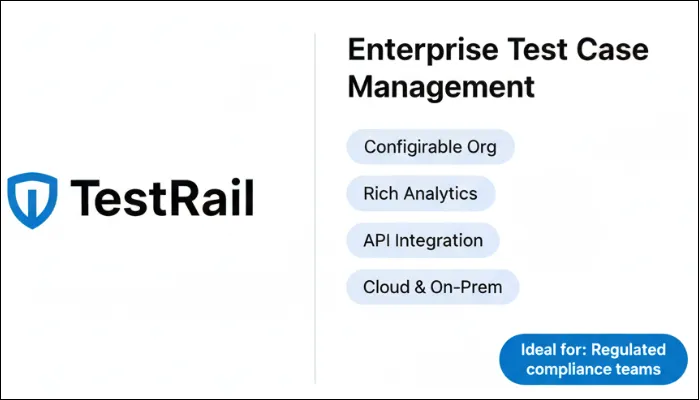
TestRail is one of the most widely recognized test management tools for enterprise software projects.
The primary focus of this tool is to give teams a structured way to manage large test repositories, plan and run test cycles, and generate detailed reports.
Many organizations use TestRail as their central test documentation system, especially when they need strong traceability and compliance reporting.
Features
- Highly configurable test organization with projects, suites, sections, and custom fields
- Rich reporting module with coverage, pass/fail trends, defect association, and workload distribution
- Comprehensive API for CI tools, automation frameworks, and internal dashboards
- Cloud and on-premise deployment options
Pros
- Strong fit for large, long-running projects with tens of thousands of test cases
- Detailed audit trails make compliance reviews easier
- Flexible configuration lets different teams model their own structures
- Works well as single source of truth when multiple tools handle automation
- Reporting gives clear insight into readiness and risk
Cons
- Interface can feel heavy or dated compared to newer SaaS tools
- Needs thoughtful configuration to match enterprise needs (quick default setup often doesn't fit)
- Built-in AI and automation-intelligence features are limited compared to newer platforms
- Without good governance, different teams configure it in incompatible ways
3. QMetry Test Management
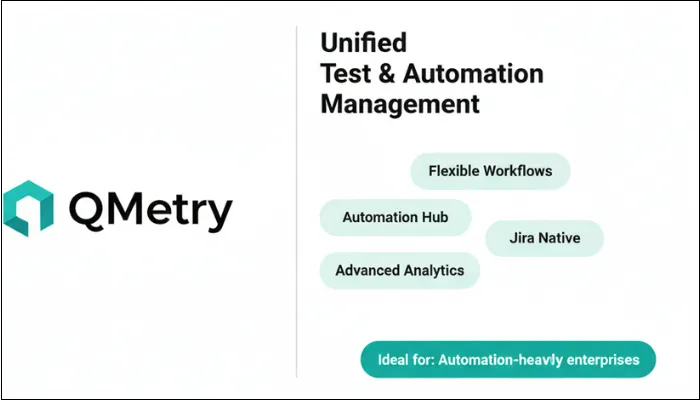
If you need both strong test management and deep automation support, then QMetry Test Management can be the one for you.
It is often used in environments where multiple squads or business units follow different processes, yet leadership wants a unified view of quality, coverage, and risk.
Features
- Flexible workflow engine with custom states, approvals, and paths for both strict and agile teams
- Native automation management that aggregates results from various frameworks and CI pipelines
- Advanced analytics correlating requirements, tests, defects, and execution trends
- Strong Jira integration and API-first design
Pros
- Excellent for enterprises with large test automation portfolios
- Diverse teams can work with their own processes without losing central visibility
- Analytics help identify high-risk components and allocate resources
- Scales efficiently for multiple concurrent projects
- Integrates multiple tools into a coherent ecosystem
Cons
- Implementation complexity requires dedicated resources and clear governance
- Steep learning curve due to breadth of features
- Risk of over-customization that hinders cross-team reporting
- Needs proficient administration to unlock full potential
4. Testomat.io
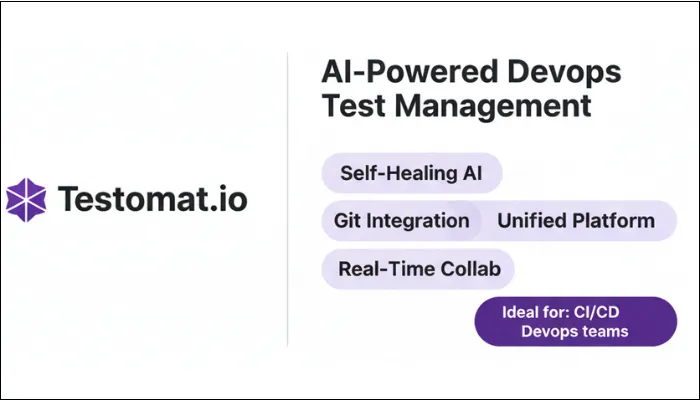
Testomat.io targets modern software delivery teams focused heavily on automation and rapid release cycles.
It integrates test management tightly with source code repositories and continuous integration platforms, embracing the philosophy that tests should align closely with code changes and deployment pipelines.
Being an AI-enhanced platform, it supports self-healing automation scripts that adapt to UI modifications, reducing manual maintenance.
Its real-time collaboration features foster team agility, making it an excellent choice for DevOps-centric and agile teams aiming for continuous quality.
Features
- AI-driven self-healing that updates UI test scripts automatically when interfaces change
- Deep Git integration linking test cases to branches, commits, and pull requests
- Manages manual, automated, and exploratory testing in one platform
- Real-time collaboration through Slack and other channels
- Cloud-native for easy onboarding and global team access
Pros
- Stops the endless maintenance grind when UI changes constantly break tests
- Fresh interface that developers and testers pick up without tutorials
- Plugs straight into continuous delivery pipelines for near real-time feedback
- Ties tests directly to code, pushing development and QA into the same lane
- Fully cloud-managed means no servers to maintain
Cons
- Newer player, so large enterprises may want more reference cases
- Customization and compliance depth not yet matching long-established tools
- Cloud-only may clash with strict security requirements
- Needs strong automation and DevOps practices to get full value
5. Zephyr for Jira
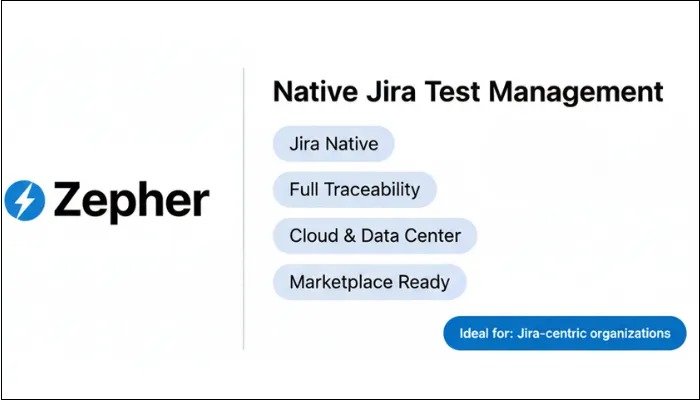
With native test management embedded within the Jira ecosystem, Zephyr transforms Jira issues into manageable test cases and cycles, simplifying the workflow for your development teams accustomed to Jira’s interface.
In addition, Zephyr offers close traceability between requirements, test executions, and defect lifecycles without the need to switch between multiple tools.
The seamless operation within Jira makes this tool a natural choice for organizations invested in Atlassian products.
Features
- Test cases and cycles as native Jira issues with consistent navigation and permissions
- Full traceability from user stories and epics through tests to defects
- Cloud and Data Center deployments to match existing Atlassian investments
- Access to Atlassian Marketplace for reporting, automation add-ons, and workflow extensions
Pros
- No context switching between development and testing tools
- Exposes testing results to broader audiences including non-QA stakeholders
- Admin is straightforward since permissions and workflows inherit from Jira
- Great for agile teams in smaller release cycles
Cons
- Performance depends on how well Jira is tuned (large test repos can slow things down)
- Some advanced capabilities need workarounds
- Locks you into Atlassian ecosystem, making future switches harder
- Reporting limited to Jira capabilities plus marketplace add-ons
- Highly regulated industries may find Jira's native controls insufficient
Final Thoughts
Without a doubt, you have too many options to choose from. This article only mentions the top tools recommended by industry experts and offers an all-in-one package. The success of your enterprise software depends on making a choice aligned with your specific organizational context.
The tools featured here are genuine options, each with distinct strengths and appropriate use cases. However, none is objectively the best tool as it's the one that fits your enterprise project and advances your strategic quality objectives.
With the above-mentioned selection process, you can shortlist the right tool for your project, saving you from costly mistakes. Keep in mind that your choice of test management tool will influence how your QA organization operates for years.
Even with the right tool and implementation process, enterprise projects can still fail. And the reason is not just the tool, but a lack of structure. A platform can centralize test cases, but it cannot fix unclear ownership or fragmented communication across teams. Without a strong test management framework, even the most advanced tool becomes an ordinary tool.
If you’re facing challenges where testing fails to provide clarity, you may need professional assistance in test management. ThinkSys helps enterprises uncover hidden gaps and align tools with real operational tools. From migration to CI/CD integration, our experts can manage it all with utmost accuracy and zero downtime.
Frequently Asked Questions
Share This Article:
 Previous Post